
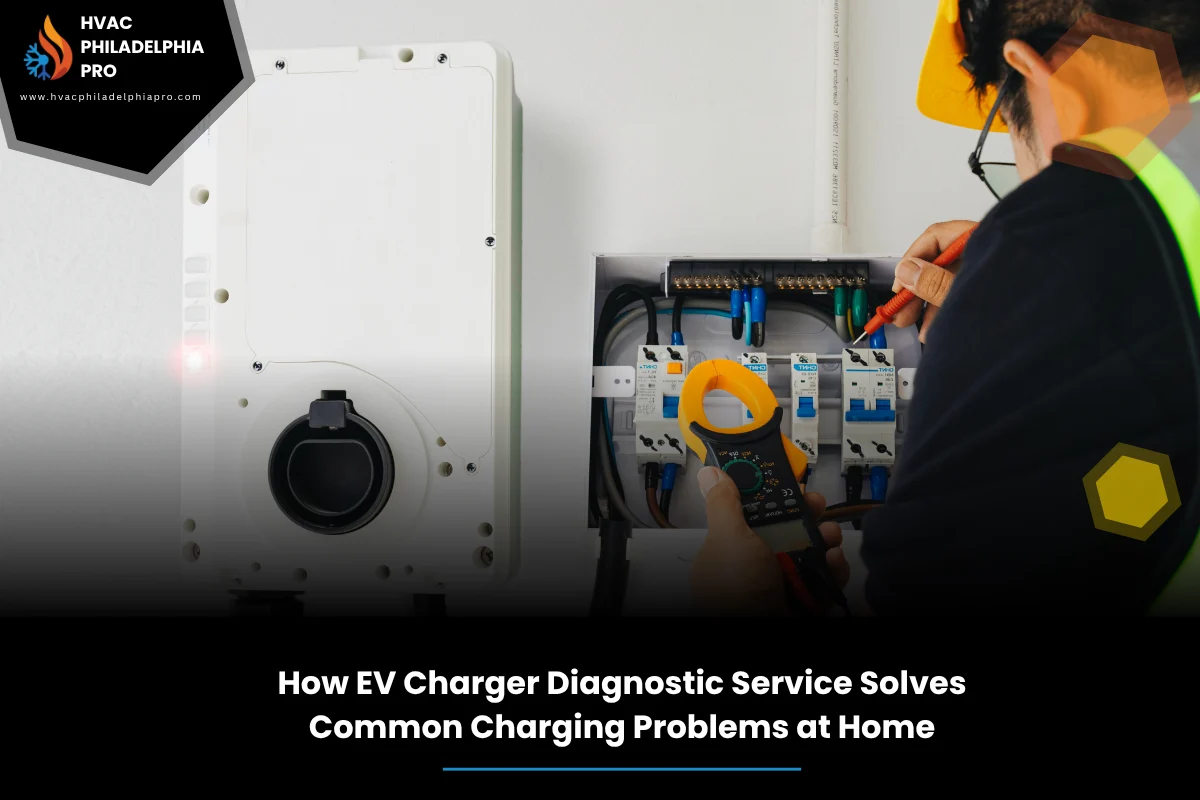
When your charger blinks, buzzes, or just sits silent, it can ruin your routine. A careful check beats random resets. That is where a EV charger diagnostic service makes life easier. The tech follows a method, finds the root cause, and shows you what truly needs fixing. With HVAC Philadelphia Pro, the focus stays on safety, clear steps, and steady results.
If you need a clear read on errors, power issues, or app quirks, book an EV charger diagnostic service. A proper assessment prevents guesswork, protects your home’s electrical system, and helps you get back to reliable nightly charging.
Table of Contents
Quick Summary
This guide explains how a diagnostic visit isolates the real cause behind an EV charger not working, like tripped breakers, loose terminals, GFCI faults, or firmware bugs. You will see how testers, logs, and simple checks narrow things down fast. If you want a deeper reference while reading, see the Complete Guide to EV Charger Repair in Philadelphia PA for Homes and Businesses, which pairs well with this breakdown and adds broader repair detail.
Common Symptoms When an EV Charger Stops Working
Sometimes the charger looks fine, yet the car will not take power. Other times, lights flash red or a code pops up in the app. Typical issues include an EV charger power failure, a connector that feels loose, or a unit that restarts mid-session.
Watch for patterns. Does it fail only on rainy days? Only at night with other appliances running? If your EV charger won’t charge vehicle after the first click, the cause could be a pilot signal fault, damaged cable, or vehicle-side setting.
Why a Structured Diagnostic Beats Guesswork
Random part swaps waste time and money. A structured check follows circuits and signals from source to car. It starts at the panel, moves through the wiring, and ends at the charge port. Each step answers a clear question.
With a plan, a tech confirms the power supply check first, then moves to control signals, then to software and network. This sequence prevents confusion and avoids overlooking simple fixes.
What Tools and Data Point to the Real Fault
A strong diagnostic pulls info from meters, the charger’s event log, and the vehicle. Common tools include a multimeter, plug-in load tester, and insulation tester. Good notes on times, weather, and household loads help too.
Charger apps can show last errors and session stops. A quick ground fault test often flags moisture or a damaged cable. When the data lines up, you fix the right thing first.
| Symptom | Likely Cause | What to Check |
|---|---|---|
| No lights, no start | Breaker tripped, loose feed, failed unit | Panel breaker, line voltage, unit power input |
| Starts then stops | Overheat, load limit, GFCI trip | Vent space, current setting, GFCI status |
| Car shows error | Pilot signal fault, bent pins | Connector pins, pilot voltage |
| Slow charge only | Shared circuit, vehicle limit | Circuit rating, app/vehicle settings |
| App offline | Wi-Fi drop, firmware bug | Router, signal, update status |
Step-by-Step Framework: Home EV Charger Diagnostics
Use this simple flow when tackling a home charger issue. For a fuller background and repair context, skim the complete guide on this topic alongside the steps below.
- Confirm power at the panel. Verify the breaker is on and sized right. A quick line voltage reading should match your charger’s rating.
- Inspect the charger. Look for water streaks, heat marks, or a cracked case. Perform a gentle connector inspection for bent or recessed pins.
- Test GFCI and protection. If it trips, note conditions. A GFCI integrity check helps separate moisture issues from hardware faults.
- Check pilot signal and cable. Verify control signal presence if you have the tools. A cable continuity test can catch hidden breaks.
- Review settings and updates. Match vehicle charge limits to the charger’s current. Run a firmware update if one is pending.
- Assess network strength. If smart features fail, do a Wi-Fi signal check near the charger. Move or boost the router if needed.
- Record results. Log what passes and what fails. This findings summary points to the exact repair or part replacement.
Safety First: What You Should and Should Not Do
Do not open energized equipment or bypass safety devices. Keep water away from the unit and handle the connector carefully. Only use cords and adapters rated for your charger.
According to the U.S. Department of Energy (2024), home charging equipment should be on a dedicated circuit and protected as required by electrical code for safe operation. Alternative Fuels Data Center: Charging at Home
Power Problems vs Vehicle Communication Issues
Power faults show up as dead screens, tripped breakers, or hot enclosures. Communication faults show as handoff failures between charger and car. Sort them early to save time.
Start with the feed. If voltage wobbles under load, correct the circuit capacity first. If power is solid but the car rejects the session, focus on the pilot line, connector pins, and the vehicle’s charge settings.
Firmware, Apps, and Network Glitches
Smart chargers depend on firmware, a phone app, and your home network. If any part falls out of sync, sessions can stall. A clean reboot, router reset, and current software often clear odd stops.
Lock in a steady network connection before deeper steps. Update the app, sign out and back in, then try a short test charge. If logs still show drops, switch to 2.4 GHz Wi-Fi or add a mesh node.
Location Note: EV charger troubleshooting in Philadelphia
Row homes and shared walls can crowd panel space, and older wiring may be near limits. If lights dim when the charger starts, spread large loads across time. For load management, a simple schedule helps avoid nuisance trips during peak use.
For EV charger troubleshooting in Philadelphia, keep notes on street parking patterns and cable runs. If your charger sits outdoors, watch for moisture paths and seal any entry points.
Preventive Care Checklist for Reliable Charging
- Keep the connector off the ground and cap it after use for cleaner contacts.
- Wipe dust from vents and ensure clear airflow to avoid thermal derating.
- Test GFCI monthly and re-seat the plug or connector.
- Review app logs weekly for repeated soft faults.
- Confirm firmware maintenance after network or router changes.
- Inspect cable jacket for nicks, flat spots, or sun damage.
When to Call a Pro and What to Expect
If a breaker trips more than once, if the connector shows heat marks, or if errors persist after resets and updates, stop and get help. A pro will run a load test, inspect terminations, and verify code-required protection. Expect a plain-language report that points to a fix.
This article pairs with our complete guide to EV charger repair in Philadelphia for bigger-picture repairs and part decisions. A diagnostic visit should leave you with clear findings, safe next steps, and options for repair or replacement without pushy upsells.
FAQs
- Why does my charger start then stop after a minute?
Heat, GFCI trips, or current limits often cause short sessions. Check airflow, verify current settings in the app and vehicle, and look for moisture signs at the unit.
- What if my EV shows charging error but the charger looks fine?
The pilot signal or connector pins may be at fault. Inspect the pins, try another cable if possible, and confirm the vehicle’s charge limit settings.
- How do I know if this is a home power issue?
Check for other devices dimming or breakers tripping. If voltage sags during start-up, the circuit may be undersized or shared with large loads.
- Should I update charger firmware right away?
Yes, if the maker recommends it. Updates can fix handshake bugs and dropouts. Do it with stable Wi-Fi and avoid interrupting power during the update.
- Can rain cause GFCI trips?
Moisture can trigger protection. Inspect seals, cable entry points, and ensure drip loops on outdoor runs. Let parts dry fully before testing again.
- Is it safe to use extension cords for Level 2 charging?
No. Extension cords can overheat under sustained load. Use the proper hardwired or dedicated receptacle setup sized for your charger.
- What info should I collect before calling a technician?
Note error codes, time of day, weather, recent changes, and what you already tried. Screenshots of app logs help speed up the visit.
Conclusion
A methodical EV charger diagnostic service turns confusion into a clear plan. You rule out power feed problems, confirm signals, and align software and network pieces. That way, you know whether to repair, adjust settings, or replace a part.
Keep safety first, document each test, and aim for stable, repeatable charging. If you need a hand or a second set of eyes, Contact HVAC Philadelphia Pro for expert assistance. With a clean process, you get reliable home charging and fewer surprises night after night.
continue reading
Related Posts
Plan safe and smooth home EV charger installation in Philadelphia. Learn permits, panel checks, Level 2 basics, 240V circuits, and site planning. Stay code-safe.
See how a regular EV charger tune up in Philadelphia prevents heat, faults, and downtime. Learn safety checks, Level 2 care, a 6-step framework, and when DIY is enough.
Learn how to install new air conditioner in Philadelphia step by step. From sizing and ducts to safe startup and tuning, this plain-English guide keeps your project on track.