
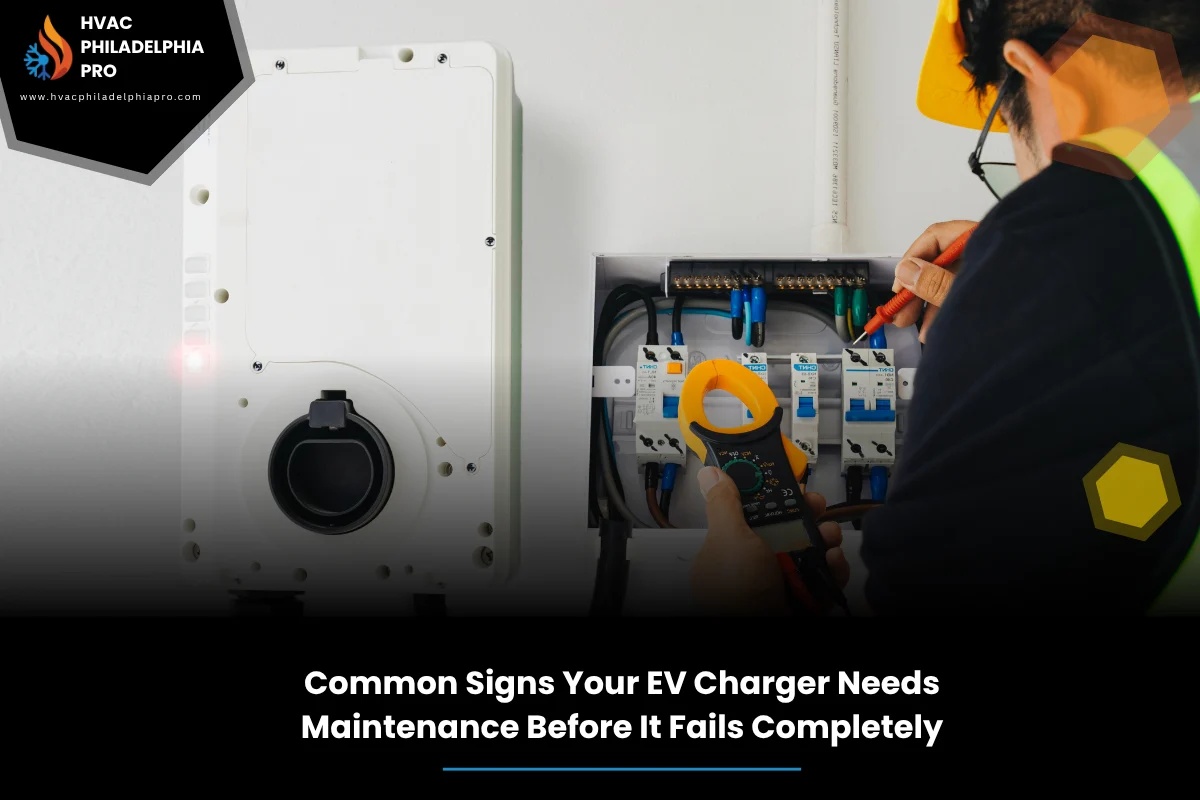
When a home charger acts up, daily life gets messy fast. The first step is learning the signs your EV charger needs maintenance so small problems do not turn into big breakdowns. If you want a deeper checklist or help spotting issues, review these signs your EV charger needs maintenance to know when it is time to take action.
HVAC Philadelphia Pro sees the same early warnings again and again: slow sessions, random shutoffs, hot plugs, and error lights that flicker at odd times. This guide explains what those warnings mean, what you can safely check, and when to pause charging.
We keep the focus on prevention, simple safety checks, and smart routines. Throughout, we connect back to the bigger picture of complete EV charger maintenance for reliable home charging, so you can charge with less stress and more confidence.
Table of Contents
Quick Summary
Most charger failures start as tiny hints: the cable feels warm, the connector wiggles, the app shows odd amperage swings, or charging slows with no clear reason. Catching these early saves time and protects your vehicle’s charge port.
Start with a visual check and a simple reset. If the same issue returns within a day or two, note the error code and look for heat, wear, or moisture around the unit. If you smell burning, hear buzzing, or see scorch marks, stop using the charger and schedule an inspection. For ongoing reliability, pair quick monthly checks with periodic professional inspection.
Early warning signs you can spot in minutes
Some problems show up in plain sight. Look for dim or blinking status lights that do not match normal charging, moisture around the holster, and a cable that kinks or feels sticky. If sessions end early or start and stop on their own, that is a red flag too. For broader maintenance context, you can read the Complete Guide to EV Charger Maintenance in Philadelphia PA for Reliable Home Charging to understand how these early cues fit into a full care routine.
Touch the cable near the connector after 10 to 15 minutes of charging. Warm is normal, hot is not. A connector that clicks loosely into the vehicle port or tilts inside the holster often points to connector wear. Any visible cracking, frayed jacket, or greenish corrosion needs attention.
Trust your senses. A faint plastic smell, buzzing from the wall unit, or a GFCI outlet that trips more than once suggests a ground fault or moisture intrusion. Pause charging and plan an inspection before the fault escalates.
Charging stops or slows without warning
When an EV charger not charging properly shows up as random slowdowns, think heat, load, or a loose connection. If the unit derates due to high temperature, it will cut amperage to protect itself. In cool weather, sudden slowdowns can hint at a weak connection or an aging relay.
Open your charger app and compare the commanded amperage to the actual draw. If the current swings widely or drops to a very low level, log the time, ambient temperature, and any error messages. Intermittent power from a weak breaker or shared circuit can also cause this pattern, so consider whether other big appliances ran at the same time.
As a basic reset, power down the charger following the manufacturer steps, wait a minute, and power it back on. If the slowdown returns quickly, ongoing issues likely need a closer look or a formal EV charger inspection in Philadelphia-style checklist applied wherever you live.
Hardware checks: cable, connector, and holster
Most failures trace back to the parts you touch daily. Inspect the cable along its full length for flat spots, cuts, or bulges. Gently check the strain relief at both ends. If the connector latch sticks or the plug feels gritty, debris may be causing poor contact and heat buildup.
Look inside the connector. If you see bent pins or dark spots, stop using it. Repeated wiggling to start a session often signals worn contacts. A holster that collects water can lead to moisture ingress. Keep it clean and dry, and never coil a wet cable tightly.
Electrical and safety checks at home
Check the supply side. A charger on a GFCI or AFCI-protected circuit that trips repeatedly needs attention. Feel the faceplate and nearby wall after a few minutes of charging. Warm is normal, hot or a buzzing sound is not. A loose lug or undersized wiring can create overheating and early shutdowns.
According to U.S. Department of Energy Energy Saver (2024), using listed equipment and following manufacturer instructions helps keep EV charging safe and reliable. Regular visual checks and correct installation reduce risk and improve uptime. Energy Saver: Electric Vehicle Charging
If your charger shares a circuit with other appliances, consider load timing. A dryer or oven pulling power at the same time can reveal weak links and trip protection devices. In that case, shift charging to off-peak hours or review the circuit’s rating before raising amperage settings.
The F.A.S.T. monthly check
Use this simple framework once a month. It takes five minutes and prevents surprises. If a step fails, pause charging until fixed.
F is for Faceplate: Look for cracks, scorch marks, or moisture streaks. Gently press to confirm it is tight. Any damage is a cue for a preventative EV charger maintenance step.
A is for Amperage: In the app, compare set vs actual current. Large gaps or sudden drops hint at heat or supply issues. Log the reading for trend tracking and reference the complete guide on this topic when you need deeper schedules and part-by-part maintenance tips.
S is for Software: Update firmware. Clear old fault logs. A unit stuck on outdated firmware can misread temperatures or cause random restarts.
T is for Temperature: After 10 minutes, feel the cable and plug. If they feel hot to the touch, you may have thermal derating or poor contact at the connector. Look for dust, debris, or wear before the next session.
Common alerts and what to do next
| Warning sign | Likely cause | DIY first check | When to pause use |
|---|---|---|---|
| Charger stops mid-session | Heat or weak connection | Power cycle and check ventilation | Returns within a day |
| Hot connector or smell | Poor contact or overload | Inspect plug and pins | Any visible discoloration |
| GFCI trips repeatedly | Moisture or ground fault | Dry area and inspect cable | Second trip after drying |
| Random amperage swings | Load sharing or firmware | Update firmware and log data | Swings persist after update |
| Wiggly connector latch | Worn mechanical latch | Test fit in vehicle port | Latch does not hold tight |
| Corrosion on pins | Moisture intrusion | Stop use and protect from water | Any green or dark residue |
How often should you schedule an inspection
As a baseline, follow your manufacturer guidance, then layer on your use pattern. Daily drivers should consider a yearly EV charger inspection. Light users can stretch that to 18 to 24 months if monthly checks stay clean.
High heat, coastal humidity, and dusty garages age components faster. If you fast charge your EV on the road often, still keep the home unit in shape. A steady routine pairs well with the broader idea of complete EV charger maintenance for reliable home charging, keeping small wear from stacking up.
Any heat damage, repeated tripping, or visible cracking calls for a faster inspection window. Safety first, convenience second.
Guidance for homes, apartments, condos, townhomes, and villas
Homes usually have dedicated circuits and simple access. Focus on cable care, ventilation space, and clear access to the breaker. Keep pets and lawn tools away from the cable to avoid cuts and kinks.
Apartments and Condominiums may use shared parking and shared circuits. Document any fault code with time and stall number. Report recurring trips to building management. Ask about cleaning schedules and weather protection for shared stations.
Townhomes and Villas often combine private parking with HOA rules. Confirm permitted cord management and weather covers. Where outlets sit outdoors, consider in-use covers and shade to limit sun exposure that can harden cable jackets over time.
DIY troubleshooting vs professional inspection
Start simple and stay safe. Visual checks, app resets, firmware updates, and basic cleaning are good homeowner tasks. Anything involving panel work, repeated GFCI trips, or heat damage needs a certified electrician. Choose information-first help and stick to manufacturer-rated parts.
A professional can test voltage drop, check torque on terminals, and measure contact resistance in the connector. This kind of preventative EV charger maintenance finds weak spots before they turn into failures. If you see recurring app errors or smell burning, stop charging and book an inspection.
Keep notes. Dates, error codes, ambient temps, and what you tried will speed diagnosis and reduce downtime.
When to pause charging immediately
Stop using the charger if you see melted plastic, brown or black marks, or if the connector feels hot within a few minutes. Unplug safely and let everything cool. Do not restart until inspected. These are not minor glitches.
Likewise, if the breaker or GFCI trips twice in a row after drying the area and gently resetting, assume a persistent ground fault. Protect the vehicle port by halting use. A short pause now prevents long delays later.
In any of these cases, move to a public charger temporarily and line up a proper inspection and repair.
Putting it all together with routine care
Pair the F.A.S.T. check with a seasonal deep look. Clear dust from vents, confirm firmware is current, and verify cable condition before winter and summer. Heat and cold both expose weak points. Keep a small log so trends stand out quickly.
Think of home charging as a system. The branch circuit, breaker, charger, cable, connector, and vehicle port all work together. A small issue in one part can ripple across the rest. Steady attention is the heart of reliable home charging.
If you are uncertain at any point, step back and choose safety. A short pause and a careful review beat pushing through a risky session every time.
FAQs
- What is the first thing to check if charging stops suddenly?
Look for error lights, note the code, and power cycle the charger following the manual. If it happens again soon, check heat at the connector and faceplate, then pause use until you can inspect further.
- Is a warm EV cable normal?
Yes, slightly warm is normal under load. Hot to the touch or a plastic smell is not. That points to poor contact or excessive resistance. Stop charging and inspect the connector and plug.
- Why does my GFCI keep tripping?
Moisture, wiring faults, or equipment issues can cause repeated trips. Dry the area, inspect the cable, and try again once. If it trips a second time, stop using the charger and plan an inspection.
- How often should I update charger firmware?
Check monthly or enable automatic updates if available. Firmware fixes can resolve false temperature readings, charging stalls, and communication bugs.
- Can I use the charger if I see minor corrosion on the pins?
No. Corrosion increases resistance and heat. Stop using the connector and arrange cleaning or replacement per the manufacturer. Do not try to scrape the pins with metal tools.
- Why does charging slow down on hot days?
Many chargers and vehicles reduce current to protect components at higher temperatures. Make sure the unit has ventilation and consider charging during cooler hours.
- What tools do I need for basic checks?
A flashlight, clean cloth, and your charger app are usually enough. Do not open the unit or panel unless you are qualified. Keep inspections visual and data-based.
- When should I call a professional?
Call if you find heat damage, burned smells, repeated trips, cracked housings, or loose connectors. Also call if basic resets or firmware updates do not solve recurring issues.
Conclusion
Knowing the signs your EV charger needs maintenance helps you act early and avoid failure. Watch for heat, odd error lights, slow sessions, loose connectors, and repeated trips. Use the F.A.S.T. check monthly and keep notes so patterns stand out.
When issues appear, pause charging and choose safety. Steady, preventative care protects your vehicle port and keeps home charging simple. For added confidence, pair your routine with periodic professional inspection focused on reliability. If you want guidance or a careful look, contact HVAC Philadelphia Pro for expert assistance. Stay ahead of problems and keep your charger ready whenever you are.
continue reading
Related Posts
Breaker tripping with EV charging? Learn what to do when your EV charger circuit breaker keeps tripping. Follow safe checks, a simple framework, and real fixes that last.
Stuck because your EV charger won’t charge vehicle? Use this clear homeowner checklist to fix power, settings, cable, and app issues before calling a pro.
Learn common issues and fixes for electric vehicle charger installation in Philadelphia. From panel limits to 240V circuits, grounding, and permits, get a clear, safe plan.